
AI coding tools 2026: which ones are worth it for businesses
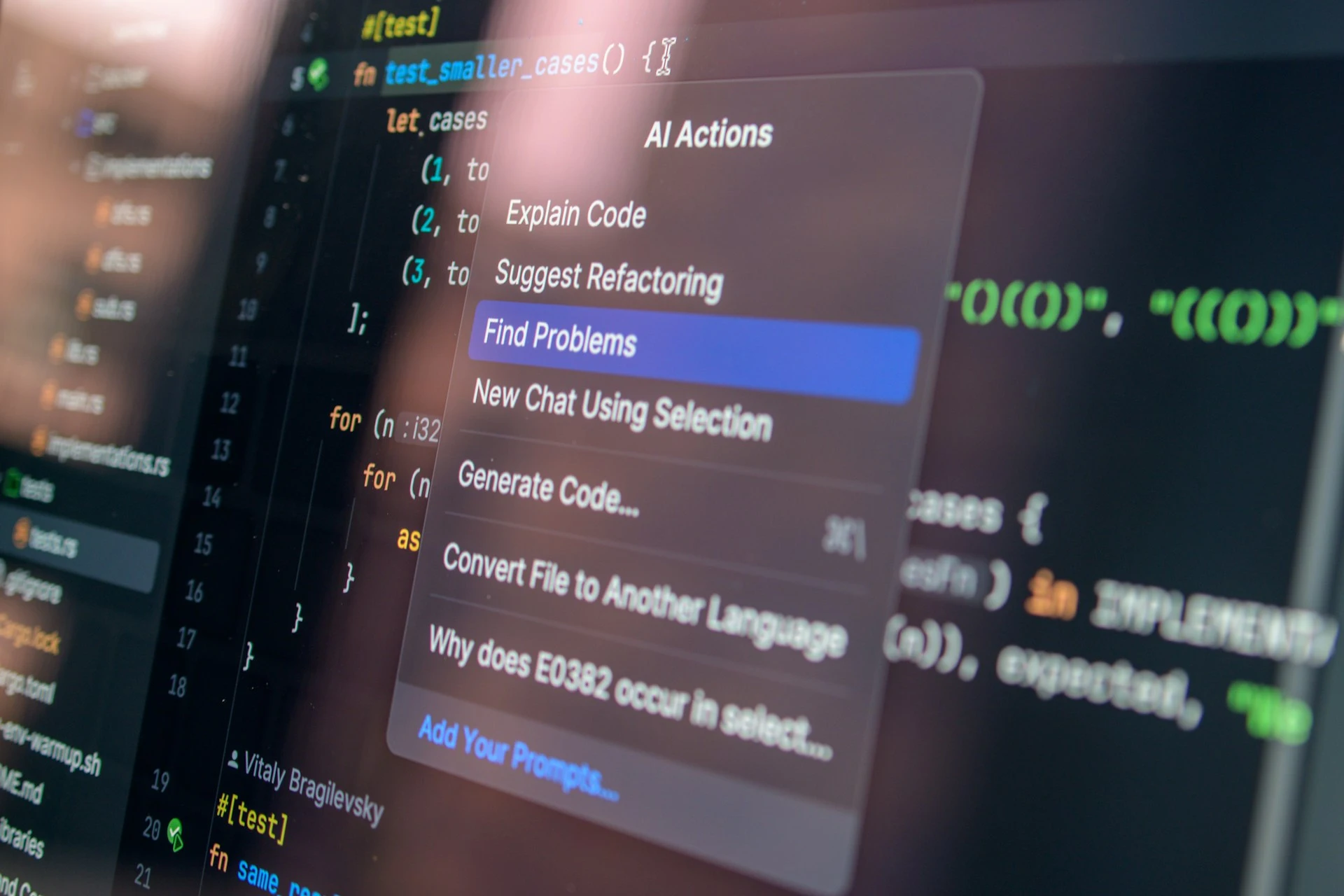
Software development is changing radically right now. What was still experimental two years ago is everyday practice in many development teams today: AI coding tools help write code, add features, find bugs and take over entire routine tasks. According to the GitHub Octoverse Report 2025, around 80 per cent of new developers on GitHub use GitHub Copilot within their very first week. Generative AI is no longer an add-on, but part of the standard kit.
For companies – and above all for SMEs with smaller development teams – the question becomes: which of these tools genuinely boost productivity, which are hype, and which are worth it for your own codebase? This article gives an overview of the most important AI coding tools in 2026, sorted by use case, with clear recommendations.
What are AI coding tools?
AI coding tools are software tools that use language models (LLMs) such as Claude, GPT or Gemini to support developers in writing, understanding, debugging and refactoring code. They differ above all in two dimensions: how deeply are they integrated into the development workflow? And how much autonomy do they give the AI?
The spectrum ranges from simple autocomplete plugins that suggest individual lines, to agentic systems that independently modify multiple files, write tests and open pull requests. Four categories can be clearly distinguished today: code-completion tools, AI-native IDEs, agentic coding tools and app builders.
Category 1: code completion in your existing IDE
The lowest barrier to entry comes from tools integrated into existing editors such as VS Code or JetBrains. They analyse the context of the file you're working on and suggest matching lines of code or entire functions.
GitHub Copilot
GitHub Copilot is by far the most widely used coding tool. It's integrated into practically every common editor, runs in the background and delivers context-aware suggestions. For teams already using GitHub, Copilot is often the most pragmatic entry point. The standard version is cheap (USD 10 per month), while agentic features such as Coding Agent or Code Review come with pricier plans.
Codeium and Tabnine
Both are seen as alternatives with a stronger focus on data protection and on-premise options. For companies in regulated industries or with their own compliance requirements, that can be relevant. Functionally they sit just behind Copilot, but they're more flexible when it comes to self-hosting.
Category 2: AI-native IDEs
While Copilot is an extension of existing editors, some tools rebuild the development environment entirely around the AI. They're not just reactive, but work actively with the whole codebase.
Cursor
Cursor established itself as the most widely used AI-native IDE in 2025. The editor is based on VS Code but adds deep AI integration: Composer for multi-file edits, tab completions that predict entire blocks of functions, and an agent mode that solves tasks across multiple files on its own. For teams willing to change their tooling habits, Cursor usually pays off within a few weeks.
Windsurf
Windsurf (formerly Codeium) aims in a similar direction to Cursor, with the difference that the AI here is designed to work more autonomously. The Cascade engine spots problems, suggests commands and, on request, runs them directly. Anyone looking for an editor that intervenes more proactively than Cursor is in the right place here.
Zed
Zed is the fastest alternative in the field. The editor is written from the ground up in Rust, loads huge codebases in fractions of a second and integrates AI features pragmatically. For teams working with large repositories or performance-sensitive workflows, Zed is a serious option.
Category 3: agentic coding
This is where it gets interesting – and especially relevant for businesses. Agentic coding tools are no longer editors, but standalone tools that run AI agents directly in the terminal or the CI/CD pipeline. They don't write individual lines; they handle tasks: fix a bug, implement a feature, carry out a migration.
Claude Code
Claude Code is Anthropic's terminal tool and is currently regarded as the most capable coding agent. The underlying model, Claude Opus 4.7, reaches 87.6 per cent on SWE-bench Verified, a benchmark that solves real GitHub issues. Claude Code works directly with the codebase, can read and modify files, run tests and prepare commits. For complex refactoring or long-running tasks, it has proven itself in practice.
Cursor Agent and OpenAI Codex CLI
Cursor now also offers its agent mode as a standalone CLI tool, decoupled from the IDE. OpenAI has a comparable tool in Codex. Both are tightly tied to their providers' respective models and suit teams already working within those ecosystems.
Aider
Aider is the open-source alternative in agentic coding. The tool works with any LLM (locally or via API) and is especially popular with teams that want to keep full control over their coding workflows.
How SMEs put tools like Claude Code and Cursor to productive use day to day is one of the topics at the data:unplugged Festival 2027, from 13 to 14 April 2027 in Münster. There, development teams share concretely how agentic workflows affect productivity and code quality.
Category 4: app builders for non-developers
A category of their own are tools that generate complete applications from a natural-language description. They're aimed less at classic development teams than at product owners, designers and business units.
Lovable, Bolt and v0
Lovable and Bolt turn a chat input into complete web apps with backend, database and deployment. Vercel's v0 specialises in React components and frontend code and is seen as the tool of choice for UI prototypes. All three are especially useful for MVPs, internal tools and fast validation of product ideas.
Replit Agent
Replit Agent is the extension of Replit's browser IDE. Users describe an application, and the agent builds it independently, hosting included. For schools, startups and teams without classic DevOps structures, it's a good entry point.
App builders aren't meant for complex enterprise software. Anyone with an existing, mature codebase will get further with Cursor, Claude Code or Copilot. But for fast prototypes, they're a tool that delivers real speed advantages. Anyone who wants to go deeper will find a dedicated take in our article on vibe coding.
Which AI coding tool fits which team?
Choosing the right tool depends less on the feature set than on the maturity and working style of the team. Four typical constellations:
Small development team, existing codebase
Anyone maintaining an existing product while introducing their first AI tools is safest with GitHub Copilot. The learning curve is flat, the integration into existing workflows minimal, and the value immediately noticeable.
Medium-sized team, high productivity demands
Here, the switch to Cursor or Windsurf pays off. The initial changeover costs one to two weeks, after which the effects are clearly measurable: less boilerplate, faster multi-file edits, better code reviews.
Experienced teams with complex tasks
For refactoring, migrations and bug fixes across multiple modules, Claude Code is currently the first choice. Combined with an AI-native editor like Cursor, you get workflows in which developers orchestrate several tasks in parallel.
Product and business teams
For teams that want to build prototypes or internal tools quickly, without diving deep into code, Lovable, Bolt or v0 are the right choice. The key is to communicate clearly: what's created here is a prototype, not production software.
Which level of maturity suits which team is exactly the kind of discussion happening on the Mittelstand Stage at the data:unplugged Festival, with real use cases from companies already using these tools operationally.
What companies should watch out for before adopting
Three themes come up in almost every consulting conversation about AI coding tools. Clarifying these points in advance avoids friction and compliance problems.
Data protection and IP protection
Code is company IP. Anyone sending code to an external provider should check the contract terms carefully: are inputs used for training? Where is the data processed? Are there enterprise plans with guaranteed data protection? Providers like GitHub Copilot Business, Cursor for Business and Anthropic Enterprise have far stricter guarantees here than the standard plans. Our article on data security and AI takes a deeper look at the topic.
Code quality and responsibility
AI-generated code isn't automatically good code. Teams need clear rules: who reviews AI suggestions? How do you ensure no security holes or licence-problematic snippets get built in? GitHub Octoverse 2025 reports that broken access control was the most common new vulnerability in repositories in 2025, often as a consequence of AI-generated code that skips auth checks. AI tools speed up the writing; they don't replace the reviewing.
Building team capability
AI coding tools only unlock their value once teams learn to prompt precisely and scrutinise AI output critically. That's a new skill that needs practising, just as Git, IDE use or code reviews once did. Anyone who doesn't invest here stays stuck in "the AI writes something, I take it over unchecked" mode – and that's exactly the point where code quality tips over.
Consulting on AI coding tools: when it's worth it
For many SMEs, choosing the right tools is only half the question. The other half is integration into existing processes: how do AI tools fit with code reviews, CI/CD, security audits and onboarding new developers? External consulting is worth it above all when a team is introducing AI tools at scale for the first time and wants to shortcut the best practices of other companies.
Good consulting covers three areas: technical tool selection, organisational embedding into workflows, and training. Anyone taking a structured approach here has measurably more productive teams after three months and avoids the classic pitfalls such as shadow IT, unchecked code adoption and licensing problems.
Conclusion: start pragmatically, scale deliberately
The AI coding tools of 2026 offer a broad choice for every use case. More important than the perfect tool is the willingness to work consistently with one chosen tool and build up experience. Anyone deploying three tools deliberately gets further than someone who's tried ten and uses none of them properly.
For most SMEs, the pragmatic path is: GitHub Copilot as the entry point, then one or two senior developers testing Cursor and Claude Code in parallel on real tasks, and, based on the results, a tool strategy developed for the whole team. Many AI-minded SMEs are currently taking exactly this route.
Which tools prevail in practice and how coding workflows are changing is a central theme at d:u27, from 13 to 14 April 2027 in Münster. On the Data Stage, in masterclasses and round tables, developers and tech leads share which tools they use, where the limits lie, and which lessons learned come out of the first months of productive AI coding work. Get your ticket now for you and your business team and get talking directly with other practitioners.
More blogs




for the d:u27!