Learn from others before you decide
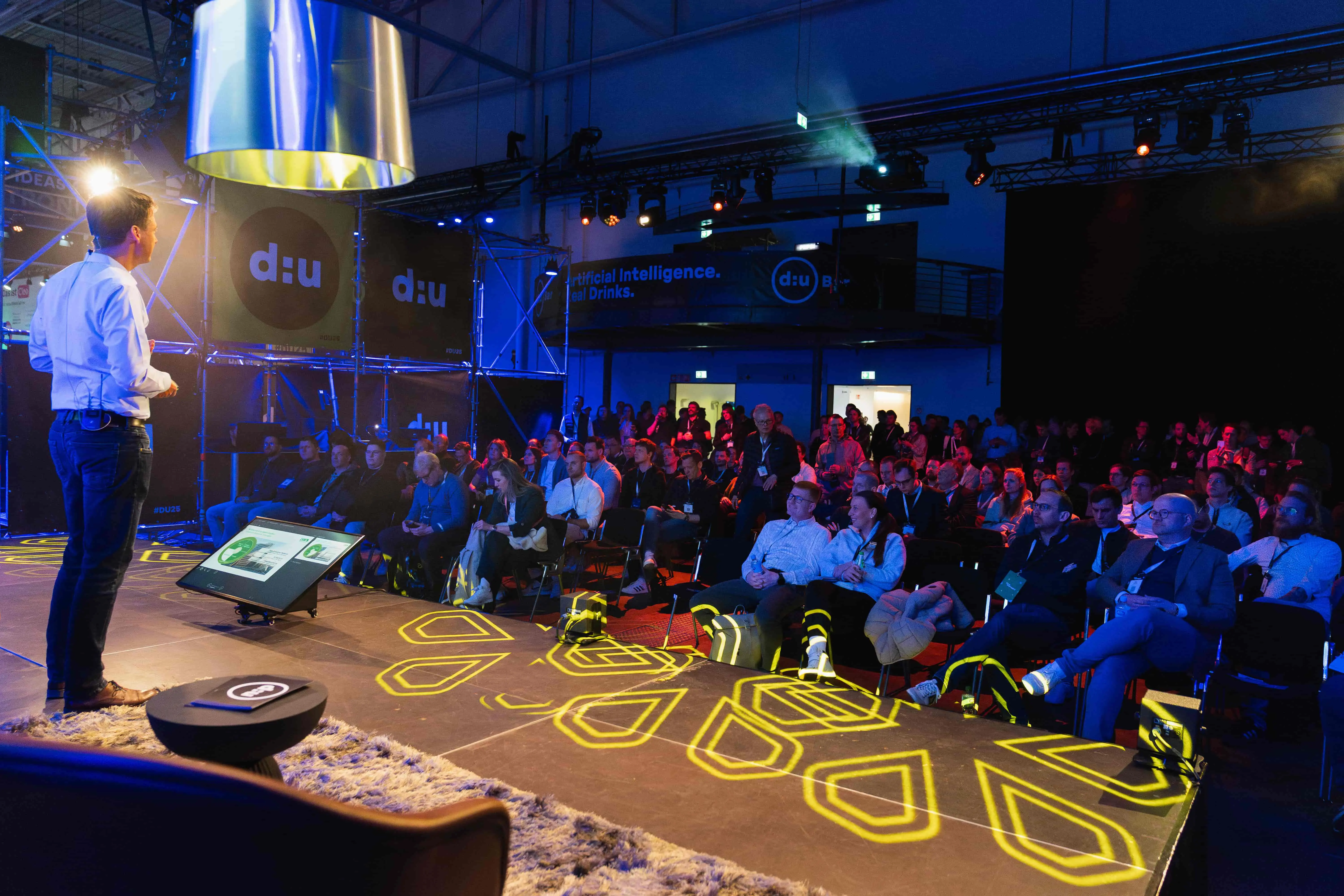
At d:u27 on April 13–14, 2027, in Münster, companies share what actually works with data and AI – across 6 stages, in more than 80 Masterclasses and in direct conversations with peers.

What AI in accounting already handles today
The field is further along than the public debate suggests. In the KPMG study "Digitalisierung im Rechnungswesen 2025/2026" (Digitalization in Accounting, in German), 53 percent of the companies surveyed say they already use AI in accounting or are preparing to. Another 37 percent report immediate time savings in transactional processes. And 28 percent of the companies surveyed in Germany, Austria and Switzerland already have learning systems such as AI in operation.
What stands out is where the value comes from. It's mostly standardized, recurring tasks: reading receipts, extracting data, generating posting suggestions, matching payments. According to the same study, more complex, analytical or strategic work is automated less often so far.
That's not a disappointment. It's good news. This routine work takes up most of the time in mid-sized finance departments, and it's the part nobody will miss.
Receipt capture and invoice processing: the use case with the clearest payoff
If AI is taking work off accounting teams' hands today, this is where it happens. The workflow is similar in almost every system: an invoice arrives by email, as a PDF or, increasingly, as a structured e-invoice. OCR extracts the supplier, invoice number, date, amounts and tax rates.
A model then compares the document with earlier postings from the same supplier and suggests the account, cost center and tax code. The invoice goes through approval and is handed over to accounting.
The key factor is the learning curve. These systems aren't set up with a fixed rule; they get better through corrections. The first few weeks are uncomfortable because many suggestions need adjusting. After a few hundred documents, the balance tips, and the share of invoices that go through without any manual intervention rises noticeably.
Whether automated invoice processing is worth it can be estimated up front, without requesting a single quote. Take the number of incoming invoices you receive per month and multiply it by the time one invoice actually ties up from arrival to posting: data entry, follow-up questions, getting approval, coding. With a few hundred documents a month, that quickly adds up to two full working days. That number decides whether a project makes sense, not how modern the technology is.
On the Mittelstand Stage at d:u27 on April 13–14 in Münster, business owners share how they ran these numbers, what the figures looked like after the project and where their calculations were off. Tool providers also present their solutions at the Expo and in Masterclasses.
AI accounting software compared, and how it's priced
The market breaks down into four groups. Prices range from single-digit monthly fees for small cloud solutions to several hundred euros a month for workflow solutions with high document volumes. What a tool ends up costing depends mainly on how many documents run through it and which pricing model the provider uses.
Then there's the ERP level. If you work with SAP, Microsoft Dynamics or an industry-specific solution, you can get comparable functions as a module, but as a project lasting several months rather than a subscription with a free trial.
The most important selection criterion isn't the feature set but how well the tool connects: does it fit the system where postings ultimately happen, and the tax advisor's firm that prepares your year-end close? A tool with a better recognition rate that doesn't hand over data cleanly costs more time than it saves.
So test with real documents from your day-to-day business, not the providers' sample files. The messy edge cases are what make or break it.
The fastest way to find out which solution fits your process is to talk to companies that have already been through the selection. You'll find exactly that kind of exchange at d:u27 in Münster, Germany's largest festival for data and AI.
How it fits into DATEV and existing systems
For many German SMEs, the question isn't whether to use AI, but whether it works with DATEV, the accounting software used by most tax advisors in Germany. The short answer: part of it is already built in, though in a place many people don't have on their radar.
Document transfer and receipt recognition run through DATEV Unternehmen online. The Automatisierungsservice Rechnungen (invoice automation service, in German), on the other hand, runs in the tax advisor's own accounting system. It compares incoming invoices with the existing bookkeeping records, generates posting suggestions from them and learns with every confirmation or correction.
One detail is worth a closer look. Suggestions are flagged as certain, uncertain or incomplete, and documents rated as certain can be posted automatically. That sounds minor, but in practice it determines the value, because reviewers can focus on the doubtful cases instead of every single document.
According to DATEV, the service can also suggest significantly better postings when structured e-invoice data arrives instead of OCR-extracted data. This is where the e-invoicing mandate and automation come together.
Where specialized tools go further is the process before posting: approval workflows across several departments, delegation rules, matching invoices to contracts, tracking dunning notices. If you only want to shorten the path from document to posting, what your tax advisor already offers is often enough. If you're rebuilding your incoming invoice process from the ground up, you need an extra layer on top.
The practical takeaway: talk to your tax advisor before choosing a tool. They're the ones who see what condition your data arrives in, and they have usually worked with several of these solutions already.
Can ChatGPT do your accounting?
This question comes up regularly, and the answer is a clear no, with one useful caveat.
A general-purpose AI assistant has no connection to your accounting system, doesn't store anything in line with GoBD (Germany's rules for proper digital bookkeeping and record-keeping) and doesn't produce audit-proof journal entries. It doesn't know your chart of accounts and can't archive documents. That makes it unsuitable for day-to-day bookkeeping.
Where it does help: explaining posting logic, annotating a chart of accounts, drafting procedural documentation, making sense of a vendor's quote, building formulas for reporting. That's preparation and follow-up work, not bookkeeping. Knowing the difference saves you a lot of disappointment. For an overview of sensible starting points, see our article on AI for SMEs.
What AI in accounting can't do
Three areas stay in human hands, and that won't change any time soon.
The first is anything that requires judgment: valuation questions, provisions, accruals and deferrals, the tax treatment of unusual transactions. A model can recognize that an invoice looks like last month's from the same supplier. It doesn't know that the contract has changed.
The second is accountability. Responsibility for proper bookkeeping stays with management, regardless of which system made the suggestion. That includes procedural documentation describing how the automated workflow operates, who reviews it and how corrections remain traceable. Many projects underestimate this point.
The third is data protection, and it's more than a formal hurdle. According to KPMG's study findings (in German), 65 percent of respondents name data protection and data security as the biggest challenge when using AI in accounting, followed by the transparency of algorithms at 59 percent.
Accounting data includes supplier terms, salaries and customer relationships. Where it is processed has to be clarified before signing a contract, not afterward. Our article on GDPR-compliant AI sums up what matters from a legal perspective.
Will AI replace accountants and bookkeepers?
The honest answer: the job is shifting, and significantly. People who capture and code documents today will review suggestions, resolve exceptions and handle the cases where the system asks for input. That's more demanding, not less.
Whether this leads to job cuts depends less on the technology than on the starting point. Many mid-sized finance departments already struggle to fill positions, and automation tends to close a gap rather than create one. At the same time, the other side shouldn't be glossed over: in a Bitkom survey (in German), 19 percent of companies using AI say they have already cut jobs as a result. Both are true, depending on the company.
What can be said with certainty is that the role is becoming more skilled. People who understand processes, can assess integrations and know when a suggestion looks wrong become more important in this setup, not less. That's why any automation project should come with a decision about training. Our article on AI training for employees describes how SMEs are approaching this.
These are exactly the conversations happening on the Mittelstand Stage at d:u27, with reports from companies that have already been through the transition. What you hear there is far less polished than what's in vendors' case studies, and that's precisely why it's more useful when you're facing the decision yourself.
Conclusion
Start small, in the right place
AI in accounting is no longer a topic for the future, but it doesn't run itself either. The value is concentrated in one clearly defined area: processing receipts and incoming invoices. That's where it's measurable, where the investment pays off, and where it lines up with a changeover that the e-invoicing mandate requires anyway.
Our recommendation for getting started: use accounts payable as your pilot area, because incoming invoices involve the most repetition. Measure beforehand how long a document really takes today. Run the old process in parallel for two to three months and involve the people who work with it every day – their corrections are what make the system better. For what this approach looks like on a larger scale, see our guide to implementing AI in SMEs.
You can hear first-hand how other companies are taking this path and which tools have proven themselves in everyday use at d:u27 on April 13–14, 2027, in Münster. Around 17,000 participants come together across six stages, with more than 80 Masterclasses and over 350 speakers. There's a dedicated Mittelstand Stage and Data Stage for everyone who wants to approach data and AI from the ground up and exchange ideas with other companies.
An accounting automation project never depends on one person. It depends on accounting, IT and management working together. That's why it's worth coming as a team. Get your tickets for d:u27 now!